




Projection Screen Academy - Introduction
Using and installing the right projection screen is an important part of AV planning. With the constant refinement of high definition, the projector market is moving headlong forward, making the projection screen a more important component than it has ever been. Not every surface can handle small-sized pixels without damaging the image, just as not every one can withstand laser projection without causing speckles. In order to achieve the best end result, you need to select equipment suitable for the conditions and goals you have set, and it is our job to facilitate this endeavor for you.
Why is a projection screen such an important part of AV planning?
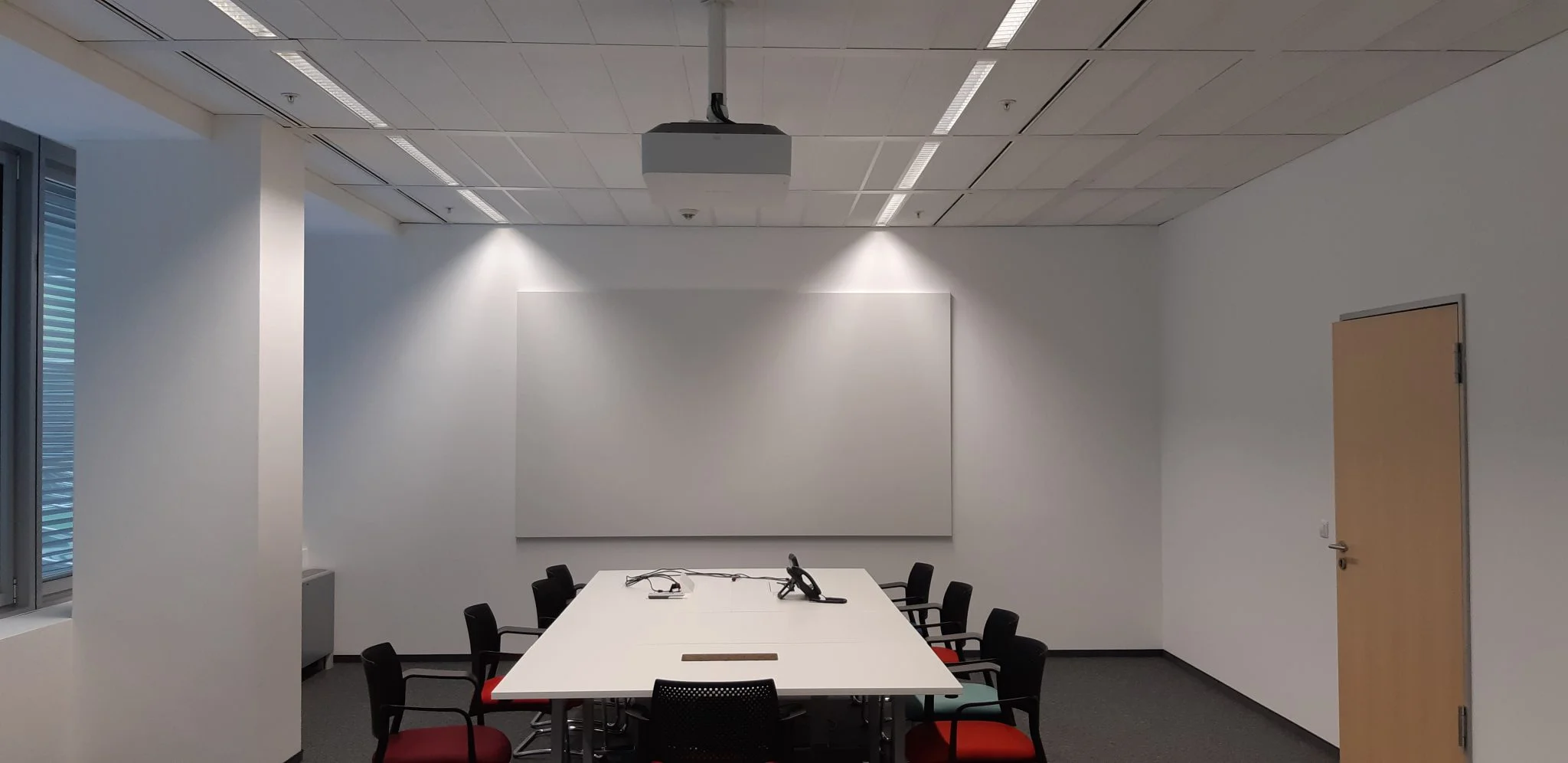
These types of screens are the last element needed to complete audio-visual projection projects and are necessary to achieve the highest quality image possible. Projection onto another surface or material would give a decent picture that could not match the bright and even reflection of a specialist screen. Our equipment has a wide choice of surfaces. Each has distinctive characteristics that enhance or support the projected image, dealing with different obstacles in an individual way. All have a reflective coating that directs light towards the audience and ensures it is evenly distributed.
Projection Screen Academy presents current screen types in today's AV market
Flat screen displays are the preferred choice for meeting room installations over smaller projection screens. If you want your audience to see and read content easily and accessibly, this type of screen is the right choice for you. Studies have shown that in a room over 5 metres deep, a flat panel display is often too small for people sitting in the back. Screens are suitable for meeting rooms as well as auditoriums, conference rooms and special performances such as simulations.
The projection screen shall provide the following requirements
- A flat surface for reflecting projected images that does not distort the integrity of the content and ensures a focused and detailed picture.
- Large image size designed for large audiences, with screens matching the features of the most sophisticated projectors.
- Uniform light distribution that provides a wide viewing angle in the desired direction.
Image quality
The main goal is to meet the audience's expectations for quality projection while maintaining or improving contrast and brightness. To this end, several factors are taken into account which, applied in synchronisation, create the best possible projection.
Ambient light
Ambient (side) light can adversely affect projection; coming from windows or from room lighting. Blinds are a good solution, especially for more powerful projectors: the white level is increased, but the black levels are blurred and the contrast is reduced. The specialised projection material blocks the effect of ambient light and increases the contrast of that coming from the screen, allowing projection in environments where it was previously impossible.
Features
- Radiation (brightness) - measured in ANSI-lumen. The higher the indicator, the brighter the image. However, an overly bright image is not recommended for prolonged viewing.
- Position - the projector can be in front of or behind the screen; ceiling mounted or placed on a table. The choice of cover is key as each cover regulates excess light differently.
- Lens - the lens determines the distance between the projector and the screen. For short-focus lenses, a smooth stretched surface is recommended to avoid geometric distortions.
Gain
Gain is a unit of reflection based on the magnesium carbonate standard (MgCO3). Instead of absorbing, it reflects the projected light evenly. The standard surface brightness is matt white with a 1.0 coefficient.
LUX
The perceived amount of light reflected from the screen is expressed in LUX. Optimum quality and readability are achieved when projector power, screen size and surface brightness (gain) are properly matched.
Angle of view
The viewing angle indicates the maximum angle at which the image remains clear. The brightness decreases as the angle increases relative to the image axis. The maximum viewing angle is the point at which the viewer perceives below 50% of light intensity, a generally accepted standard of quality.
Borders
Black borders around the projection area increase perceived contrast and aid picture alignment. All our screens are fitted with black borders where technically possible.
Tab-tensioned: screen flatness and resolution
- When the plane is not stretched, waves or refractions appear on the image.
- When the board is stretched, the image is supported vertically and horizontally, ensuring perfect projection.
Always guaranteed flat projection surface
The flat surface provides a perfectly flat viewing area and gets the most out of the projector: no pixels are lost or distorted. If detail is important, perfectly flat projection is a priority.
Smooth surface
Relaxed fiberglass surfaces have a rough texture that creates "noise" and reduces quality. Vinyl stretched surfaces are smoother and retain quality better - suitable for high definition projectors.
Stretch surface at HD resolution
The stretched screen provides the highest image quality. The fibreglass surfaces commonly used in handheld and electric screens are stretched only vertically and cannot reproduce HD resolution without the risk of pixel distortion.
Every projected image looks better on an HD Progressive surface
Colour accuracy - Image uniformity - Pixel preservation
The Best Surface for HD, 4K and Ultra HD Projection
The chemical formula of our HD Progressive surfaces is designed to reflect and preserve the image. By studying the physics of light and surface science, we have developed a better approach. Each surface has its own proprietary environmental formula, allowing us to choose the best one for your image.
Colour precision
We aim for the highest standard of colour accuracy. All surfaces are individually tested to ensure the true colour of the projector is maintained.
Image uniformity
HD Progressive provides even light distribution for a perfect image across the entire area.
Surface granularity
The clarity lies in the microscopic details. Vinyl technology ensures a micro-crevice-free surface that preserves every pixel. Many other surfaces have a texture resembling sandpaper, which causes pixel loss and "noise".
The Projection Screen Academy will pay attention, when is the surface suitable for 4K and 8K projection?
Material unsuitable for 4K results in a distorted image and pixel loss. 4K has a high density - 4096×2160 pixels - and the texture of the material directly affects perception. Rough surfaces (fiberglass/fabrics) can distort pixels. For 4K/8K, as smooth a surface as possible is needed to avoid distortion and achieve the best quality.
Achieve the best quality at 4K
- Uniformity - even distribution of light across the screen.
- Colour precision - the surface should not change the colour balance.
Projection Screen Size and 4K/UHD
True 4K resolution is 4096×2160 (≈1.9:1). Ultra HD (UHD) is 3840×2160 (16:9) and is common in TVs. Many vendors mark UHD as 4K - keep in mind that for true 4K content, you need a screen with an appropriate aspect ratio.
Sizing of the projection screen to the room
The purpose is twofold: (1) to bring out the information without loss of quality, (2) to direct the light to the audience. Both must be met for optimal reproduction. Basic guidelines:
- Reference for the diagonal: the depth of the room divided in half.
- Ceiling height - often a limiting factor; may require additional "black drop" in ceiling mounting.
- Viewing angle - for professional/educational purposes the distance between the floor and the viewing area of the screen ≈ 125 cm; for home entertainment - 60-90 cm.
- Comfortable viewing distance - for professional/educational purposes, the first row should be ~1.5× the screen height; for home use, ~2×.
- When in doubt, rule of thumb: the larger screen more often ensures good visibility for all.